


AI换发型工作流|Klein 9B 保留五官迁移发型
模型信息
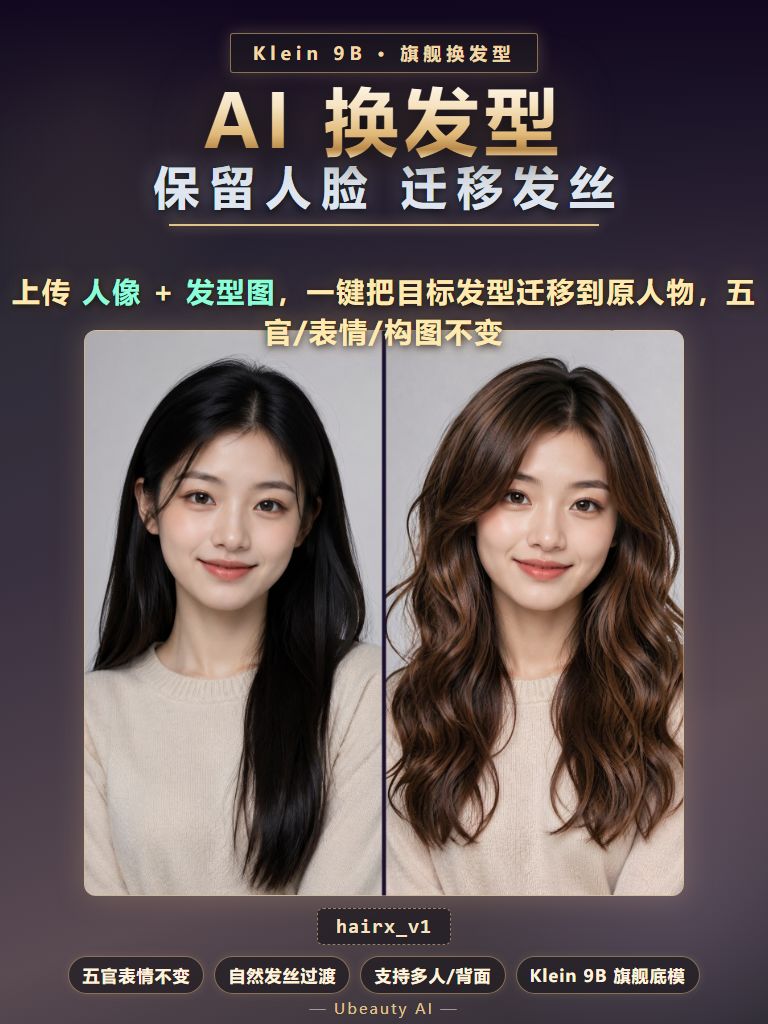
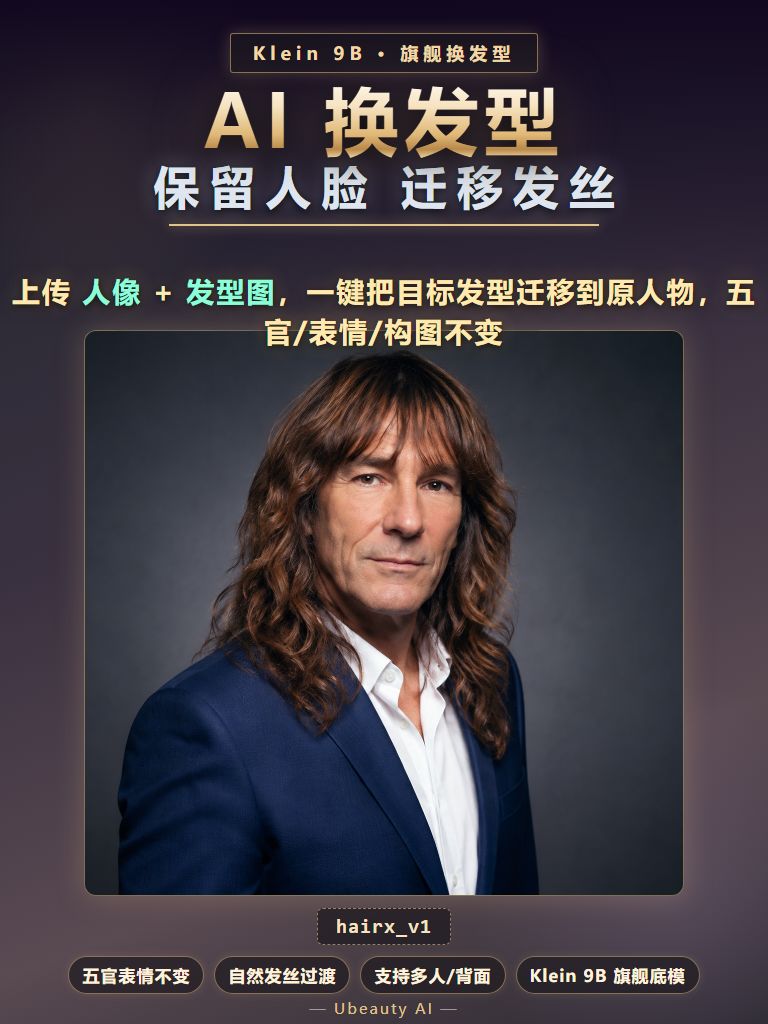
AI 换发型 · 上传人像 + 发型参考图,一键把目标发型迁移到原人物,五官、表情、服装、构图全部保持不变。基于 Flux2-Klein-9B 旗舰底模 + 自训练 LoRA,发丝过渡自然、色彩还原准确,支持正面 / 侧面 / 背面 / 单人 / 多人。
【工作流结构】
· 人像图 + 发型图双输入,SAM3 自动分割头发区域
· GH_MaskCropV2 精确裁切 + GH_CropRestore 无损还原
· Flux2Scheduler + CFGGuider 采样,Klein 9B 底模出图
· 内置对比预览(原图 vs 成品)与高清保存节点
· 54 节点完整链路,可自由调参二次开发
【怎么用】
1. 上传人像图(要换发型的人物)
2. 上传发型图(目标发型参考,可带人脸也可不带)
3. 头发很长或脸部被遮挡时 → 打开「长发及腰」开关
4. 需要微调时填「补充提示词」(如「栗子色大波浪」)
5. 点击运行,约 30-60 秒出图
【English】
AI Hair Transfer - upload a portrait and a hairstyle reference; the workflow migrates the target hairstyle onto the original person while keeping face, expression, outfit and composition intact. Built on Flux2-Klein-9B with a custom-trained LoRA.
Structure
· Dual input: portrait + hairstyle reference, SAM3 auto-segments hair region
· GH_MaskCropV2 precise crop + GH_CropRestore lossless restore
· Flux2Scheduler + CFGGuider sampling on Klein 9B base
· Built-in before/after compare and HD save node
· 54-node full pipeline, fully editable
How to use
1. Upload the portrait
2. Upload the hairstyle reference (with or without a face)
3. Toggle "Long hair" when hair is very long or the face is occluded
4. Optional extra prompt for fine-tuning
5. Run - result in about 30-60 seconds
AI 换发型 · 上传人像 + 发型参考图,一键把目标发型迁移到原人物,五官、表情、服装、构图全部保持不变。基于 Flux2-Klein-9B 旗舰底模 + 自训练 LoRA,发丝过渡自然、色彩还原准确,支持正面 / 侧面 / 背面 / 单人 / 多人。
【工作流结构】
· 人像图 + 发型图双输入,SAM3 自动分割头发区域
· GH_MaskCropV2 精确裁切 + GH_CropRestore 无损还原
· Flux2Scheduler + CFGGuider 采样,Klein 9B 底模出图
· 内置对比预览(原图 vs 成品)与高清保存节点
· 54 节点完整链路,可自由调参二次开发
【怎么用】
1. 上传人像图(要换发型的人物)
2. 上传发型图(目标发型参考,可带人脸也可不带)
3. 头发很长或脸部被遮挡时 → 打开「长发及腰」开关
4. 需要微调时填「补充提示词」(如「栗子色大波浪」)
5. 点击运行,约 30-60 秒出图
【English】
AI Hair Transfer - upload a portrait and a hairstyle reference; the workflow migrates the target hairstyle onto the original person while keeping face, expression, outfit and composition intact. Built on Flux2-Klein-9B with a custom-trained LoRA.
Structure
· Dual input: portrait + hairstyle reference, SAM3 auto-segments hair region
· GH_MaskCropV2 precise crop + GH_CropRestore lossless restore
· Flux2Scheduler + CFGGuider sampling on Klein 9B base
· Built-in before/after compare and HD save node
· 54-node full pipeline, fully editable
How to use
1. Upload the portrait
2. Upload the hairstyle reference (with or without a face)
3. Toggle "Long hair" when hair is very long or the face is occluded
4. Optional extra prompt for fine-tuning
5. Run - result in about 30-60 seconds